
PlanRoster intent
Workforce operations, connected
Plan every shift.See every site. Trust each clock. Close every gap.
One operational system for workforce records, site deployment, attendance evidence, exception decisions and payroll preparation.
Mandatory CoreTenant governedMobile ready
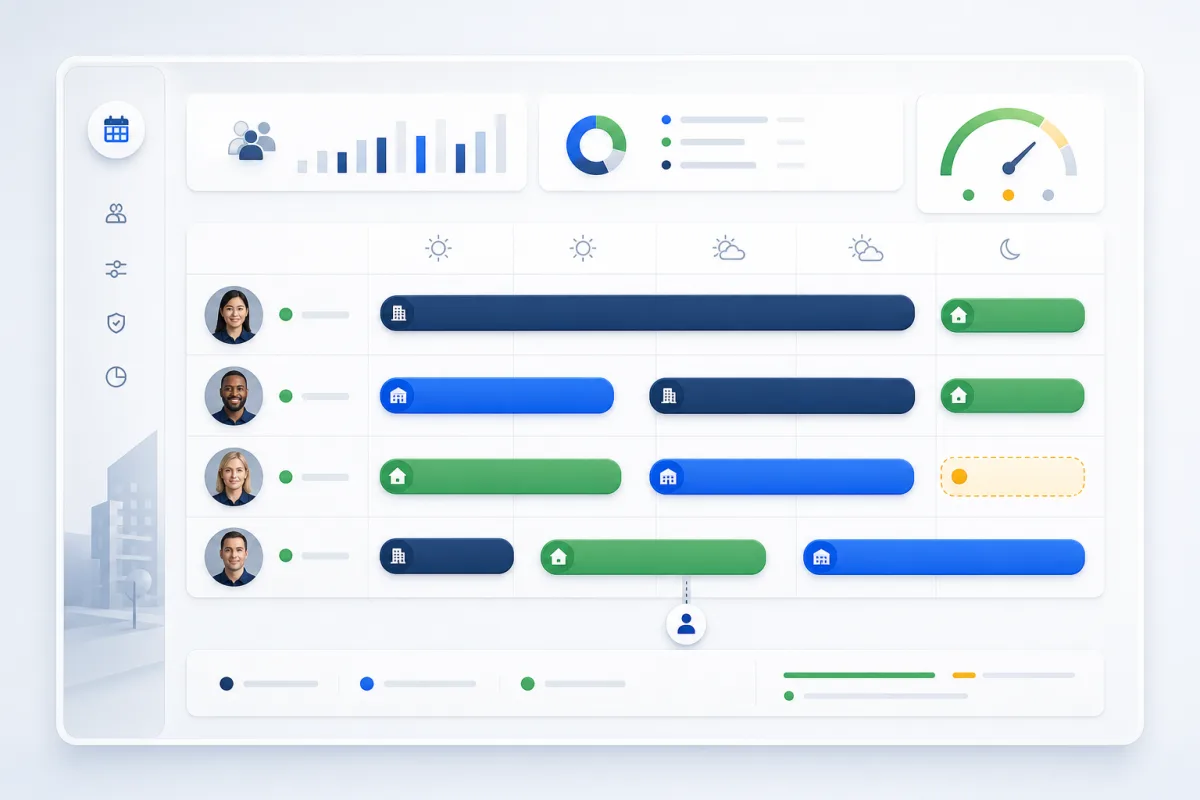
DeploySite coverage
VerifyField evidence
ResolveApproved action
PayPayroll ready
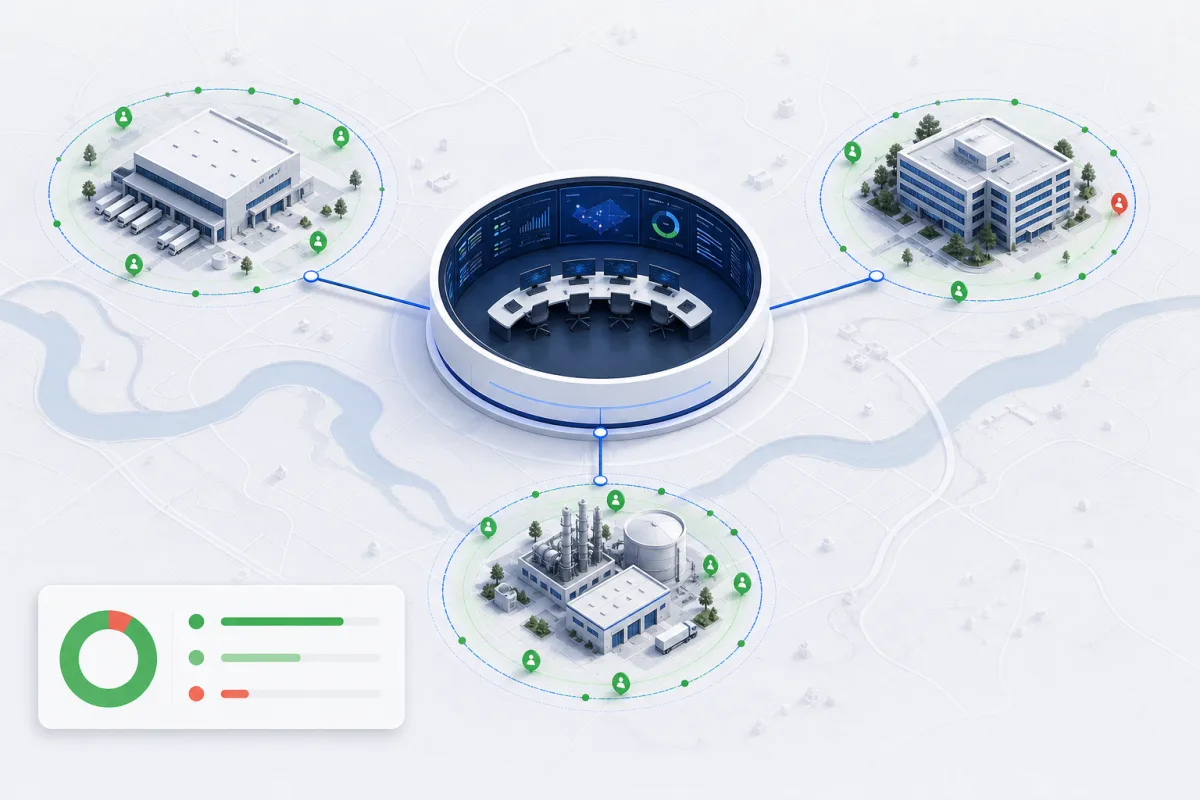
Portfolio visibility
See coverage, risk and workforce context across every active site.
Deployment planning
Balance people, skills and supervisor coverage before the week begins.
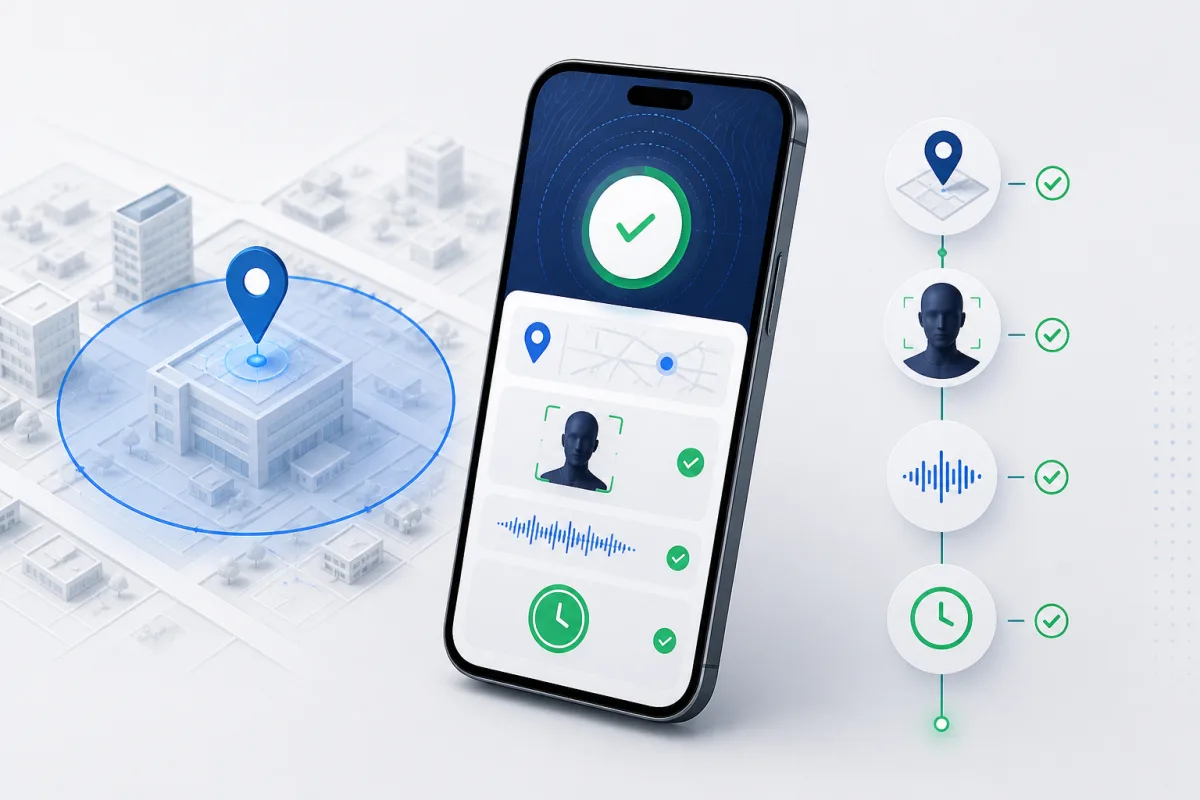
Attendance evidence
Verify location, identity and clock events in one evidence trail.
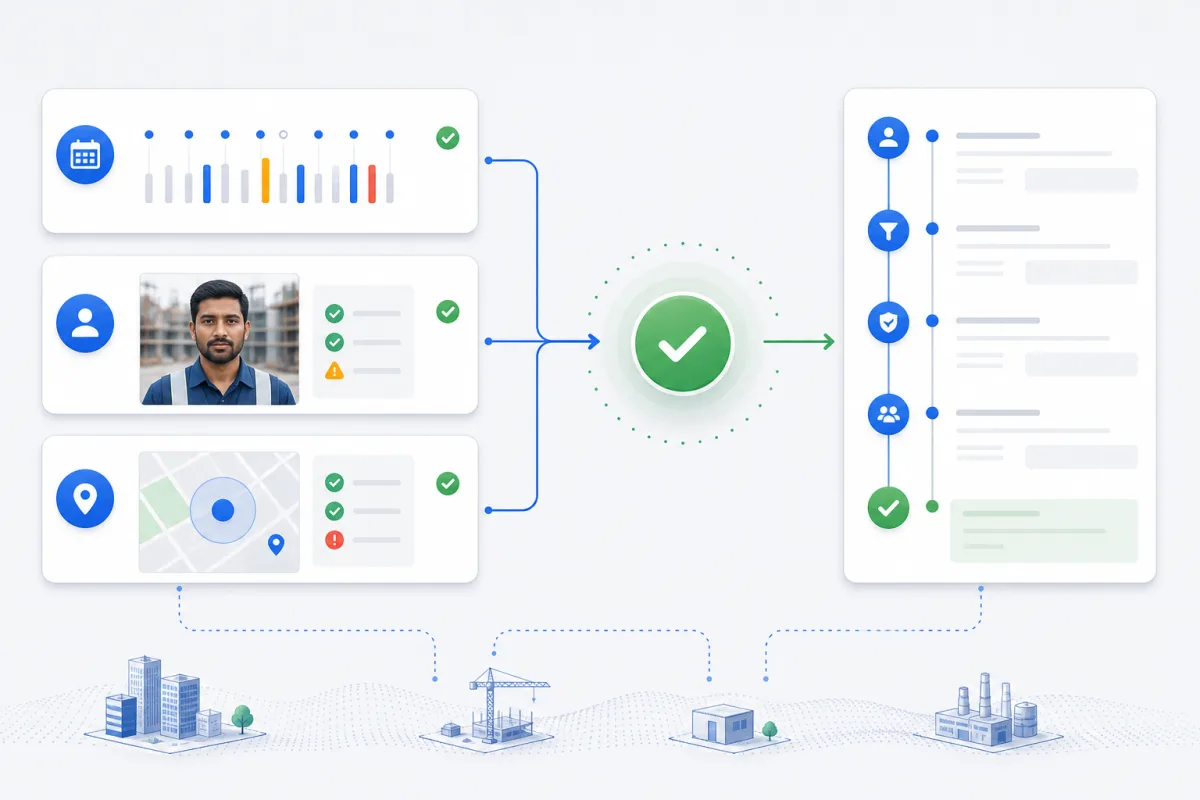
Exception decisions
Bring the event, evidence and approval together before action is taken.
Payroll readiness
Move approved attendance and adjustments into a reconciled pay record.
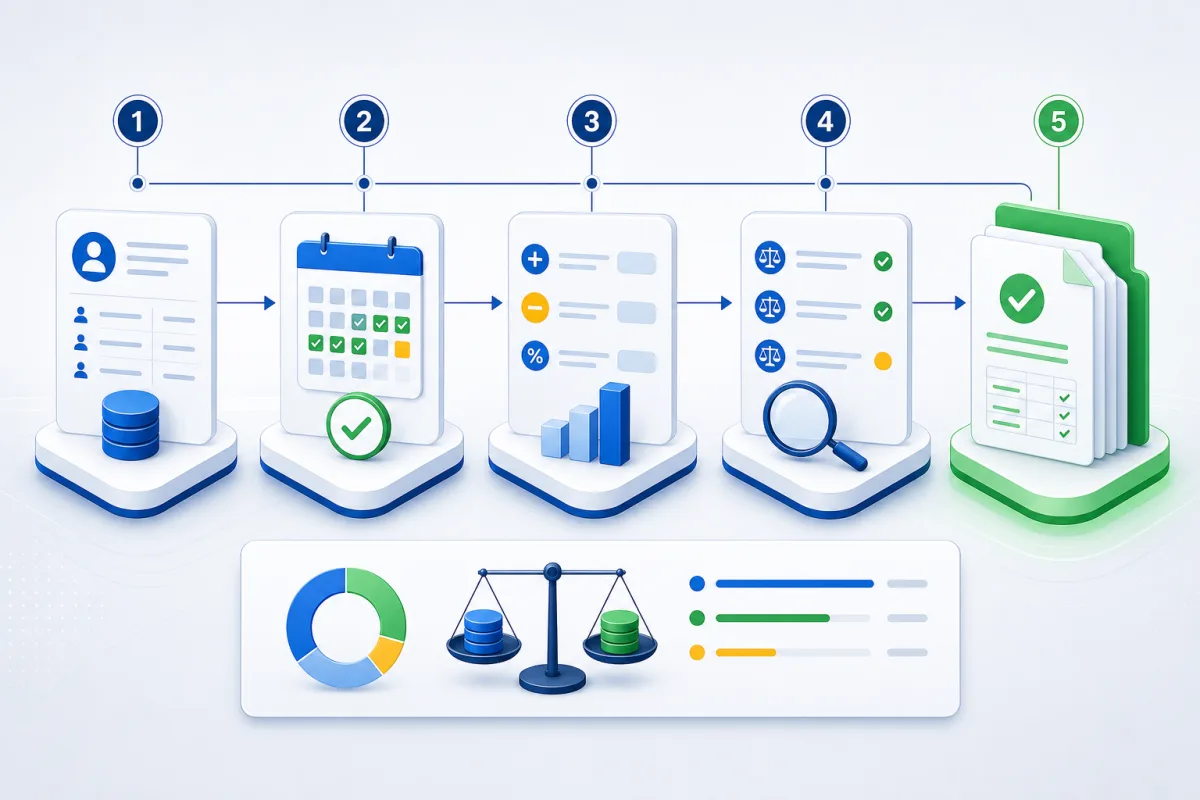
02 / Mandatory Core
Everything the workforce touches, connected.
No feature confetti. One maintained foundation that follows the operational record from identity to payment preparation.
01
Control plane
One governed workspace
The operational foundation every tenant receives.
- Tenant branding and configuration
- Memberships, roles and access
- Audit trail and entitlements
- Locale, timezone and jurisdiction
02
People and places
Know who can work where
The workforce record stays connected to commercial reality.
- Employees and qualifications
- Onboarding and status history
- Customers, projects and worksites
- Geofences and shift defaults
03
Deploy and verify
Turn the plan into evidence
Managers and workers share one dated operating record.
- Daily and weekly roster
- Imports, copies and exports
- Supervisor coverage
- Clock events, selfies and offline recovery
- Leave, MC and reconciliation
04
Resolve and pay
Close the loop before payroll
Exceptions become reviewed decisions, not spreadsheet archaeology.
- Action Centre decisions
- No-show and compliance exceptions
- Manpower versus budget reporting
- Payroll rules and adjustments
- Payslips and payment preparation

Evidence attachedto the clock event
03 / Management and worker
Operational depth in the office. A clear day in the field.
Managers coordinate the portfolio while each worker sees the schedule and actions relevant to today.
Today and schedule
Dated assignments and supervisor context.
Attendance evidence
Geofence checks, clock selfies and offline recovery.
Leave and history
Leave, MC records and reconciled attendance.
Approved field actions
Equipment custody and reporting when modules are enabled.
04 / Built for movement
One Core across very different work.
Projects, venues and shifts change. The operating record stays coherent.

01
Construction
Projects, geofenced sites, dated supervisors and attendance evidence.

02
Restaurant operations
Every location, shift and worker in one clear operating rhythm.
03
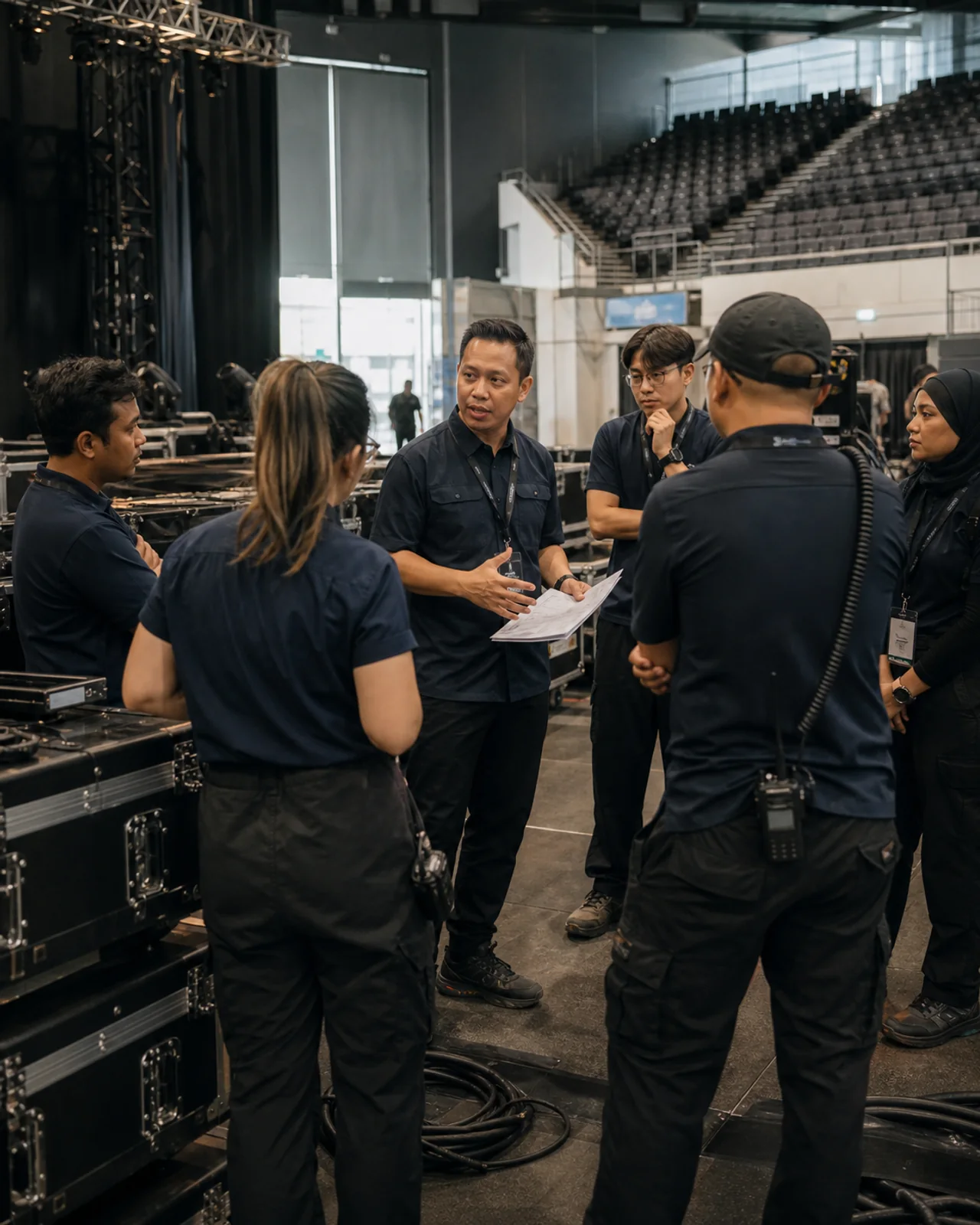
Events
Crews and equipment moving across venues without losing accountability.
Curated by ElitezAI
Extend Core only where your operation needs it.
Curated modules are ElitezAI-built extensions that plug into WorkforceOS Core. Each is enabled per tenant, governed by the same roles and audit trail, and maintained as part of the product.
Built by ElitezAI. Enabled per tenant. Governed through Core.
01
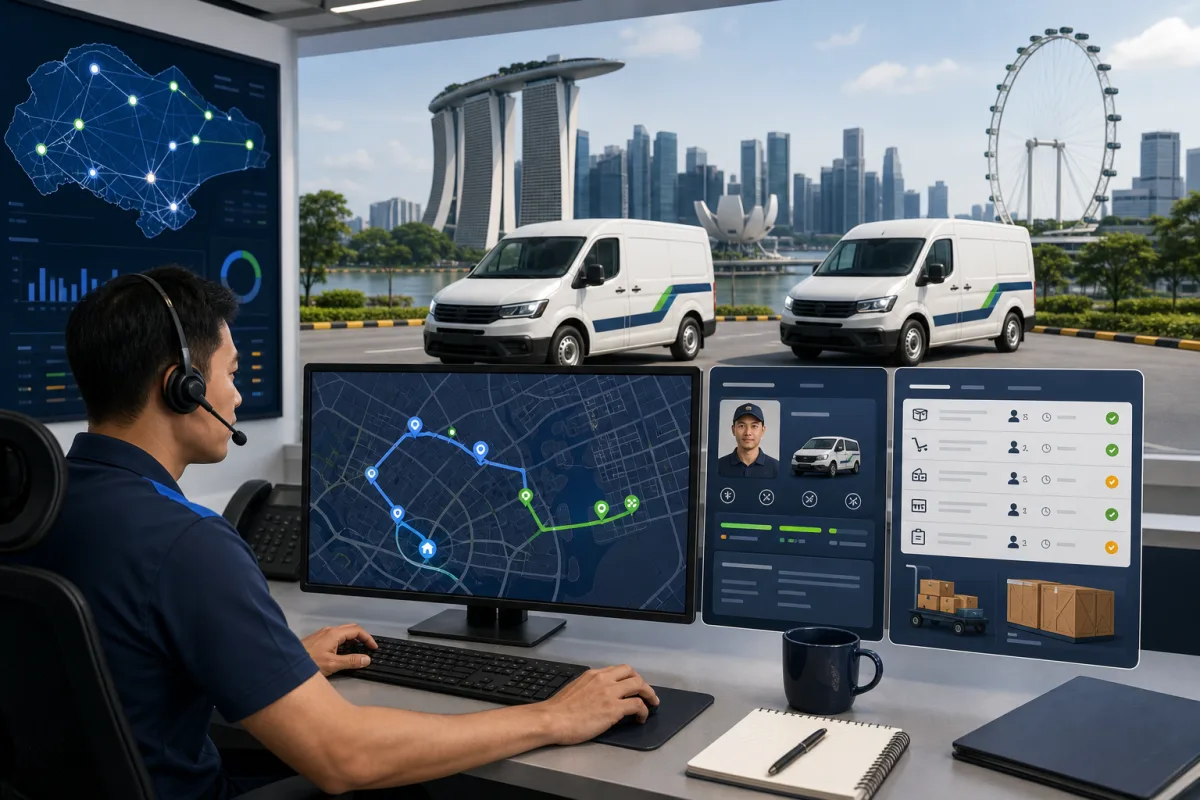
Transport Operations
Coordinate drivers, vehicles, routes and manifests from the same workforce plan.
For tenants moving crews between sites.02
Assets & Procurement
Track equipment from purchase to QR custody, site transfer and return.
For operations where asset accountability matters.03
Field Reports & AI
Turn site photos and supervisor notes into reviewed progress and incident reports.
AI assists the review. People approve the record.04
Finance Integrations
Connect approved operational records to invoice matching, billing and accounting handoff.
For finance teams needing the same source of truth.06 / Before you start
The questions that matter.
Who is WorkforceOS built for?
Field-intensive employers that coordinate people across projects, sites or shifts and need one operating record from workforce plan to payroll preparation.
Can managers and workers use the same platform?
Yes. Management uses the operations workspace, while workers get a focused mobile experience for Today, schedules, attendance, leave, history and approved field actions.
Does every customer get the same setup?
Every workspace receives the maintained WorkforceOS Core. Branding, access and approved configuration can be set per tenant without creating a separate customer codebase.
What are curated modules?
They are ElitezAI-owned extensions for adjacent workflows such as transport, assets, field reporting and finance integrations. Availability depends on each tenant and installed runtime.
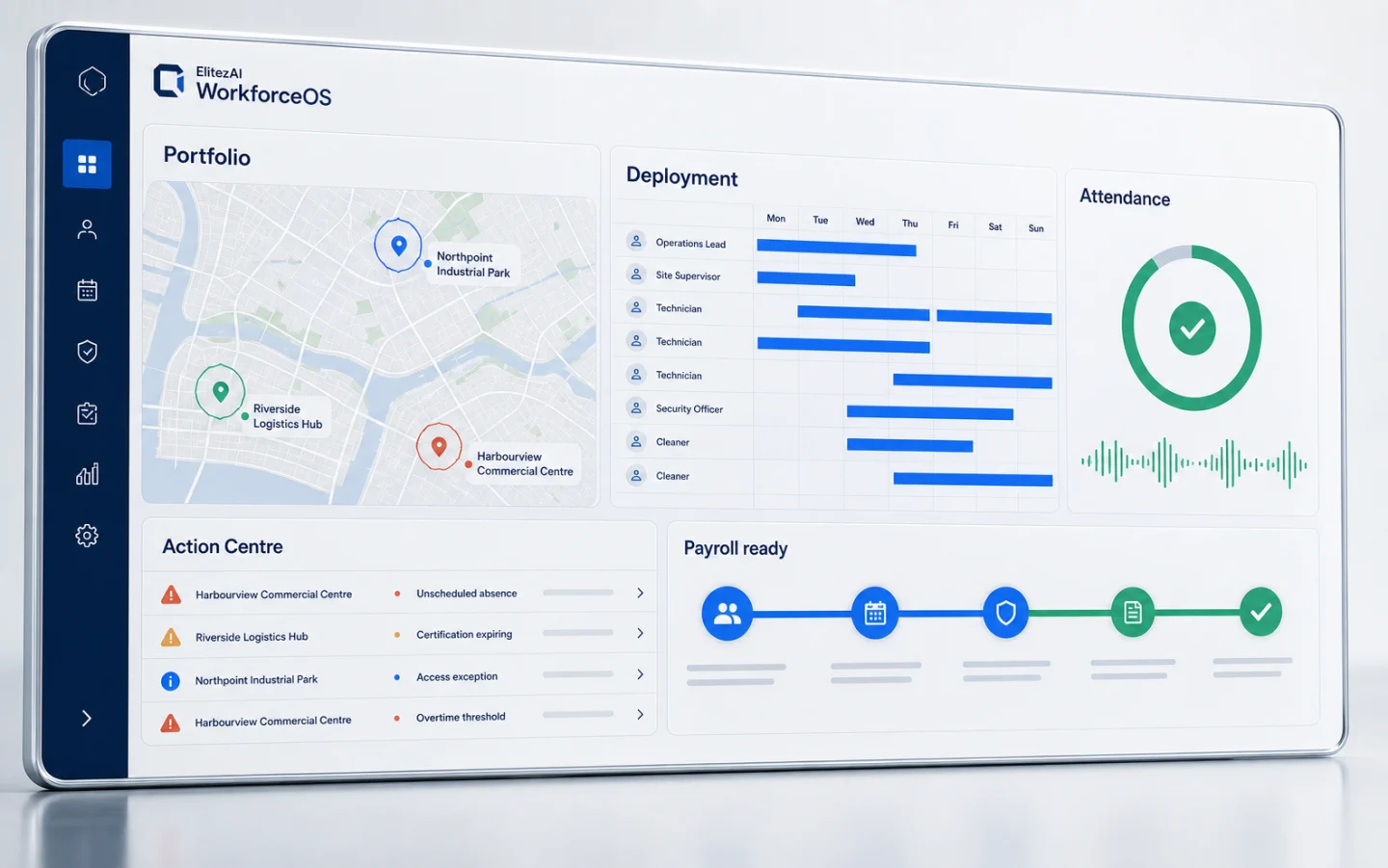
The whole operation, in view.
Give every shift one clear operating record.
Sign in to manage today's workforce, or open the worker app for the field view.